
How can I restrict access to some staff members?
You are able to restrict access to some staff members by associating only specific venues to that person.
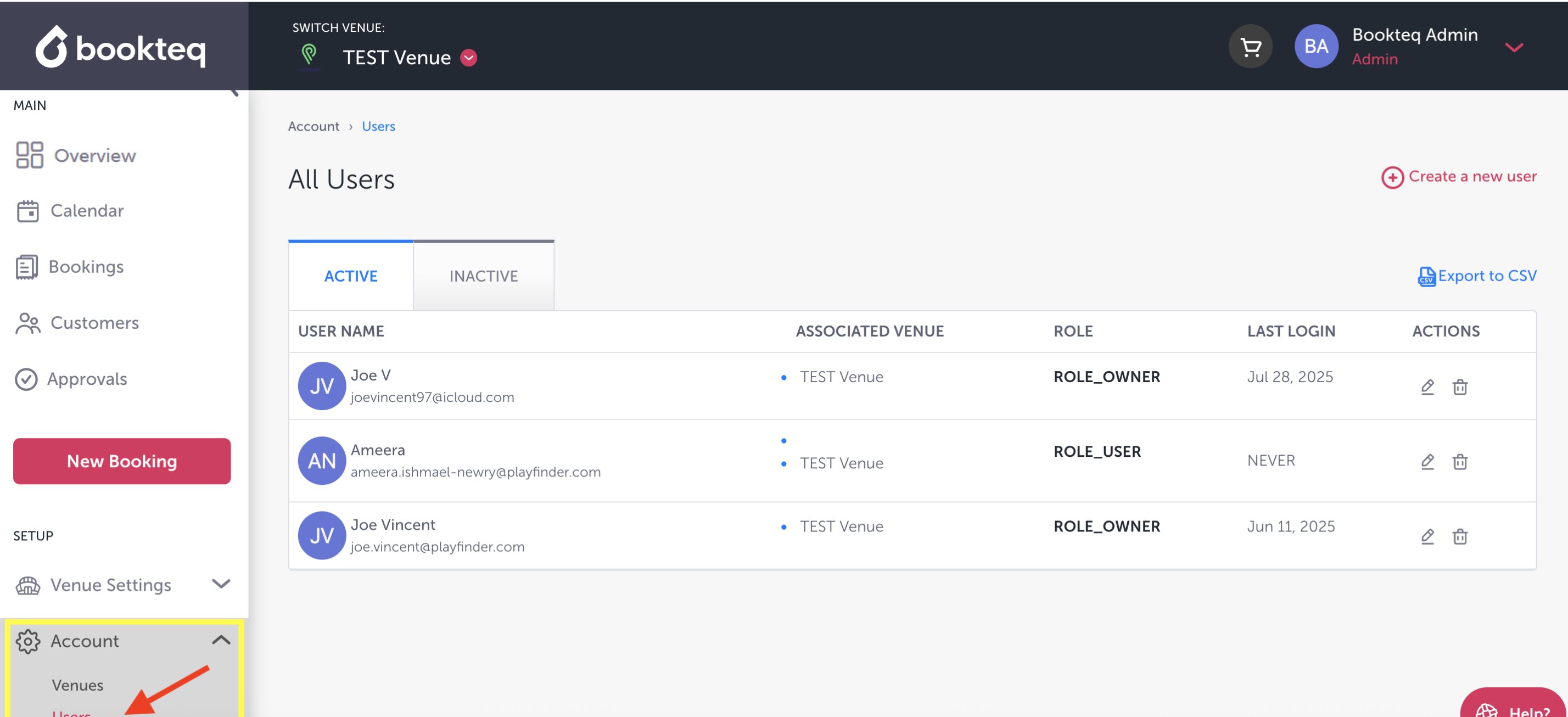
When logged into Bookteq, go to the menu options on the left-hand side of the page and click on Accounts. From the dropdown menu, you can then select the Administrator tab. Please note that 'Owners' will have access to all venues on the associated workspace.
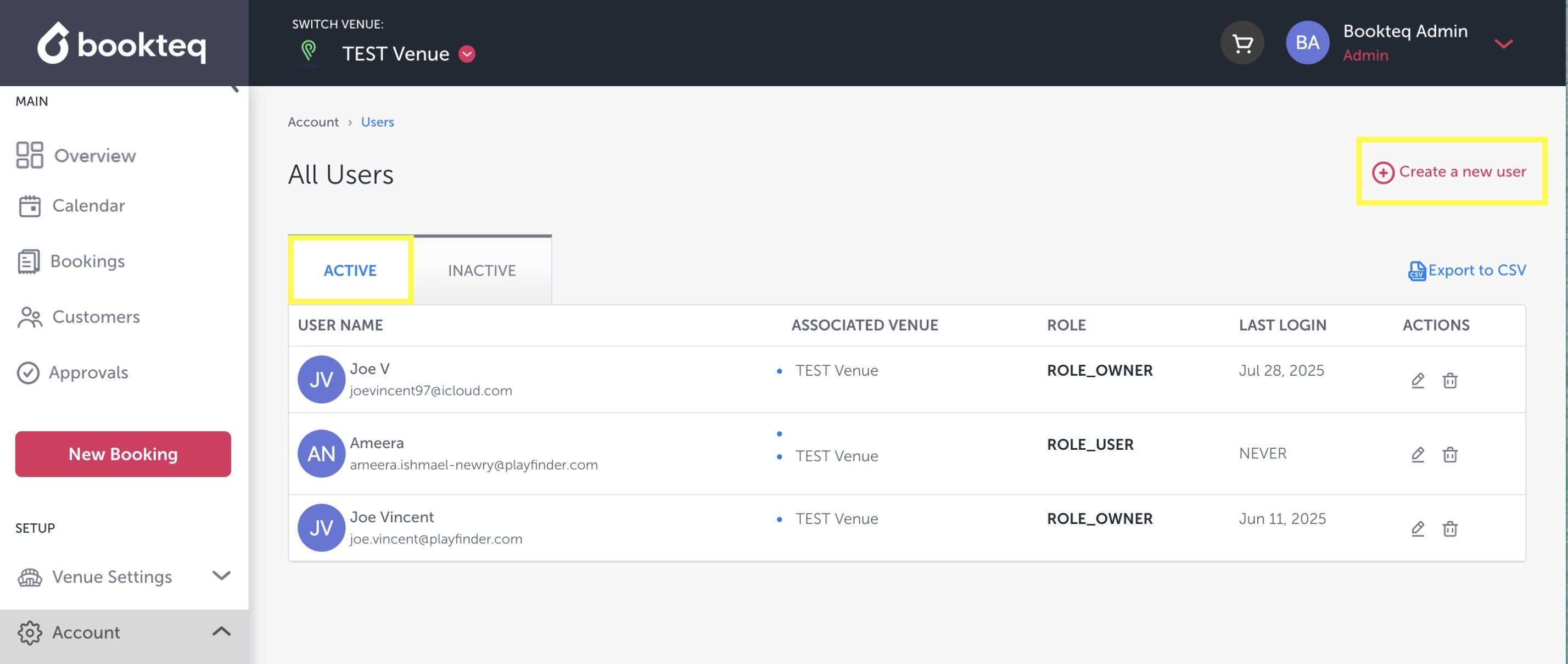
Under the Administrators tab, you will see a list of Active Administrators, or you can Create a New Administrator.
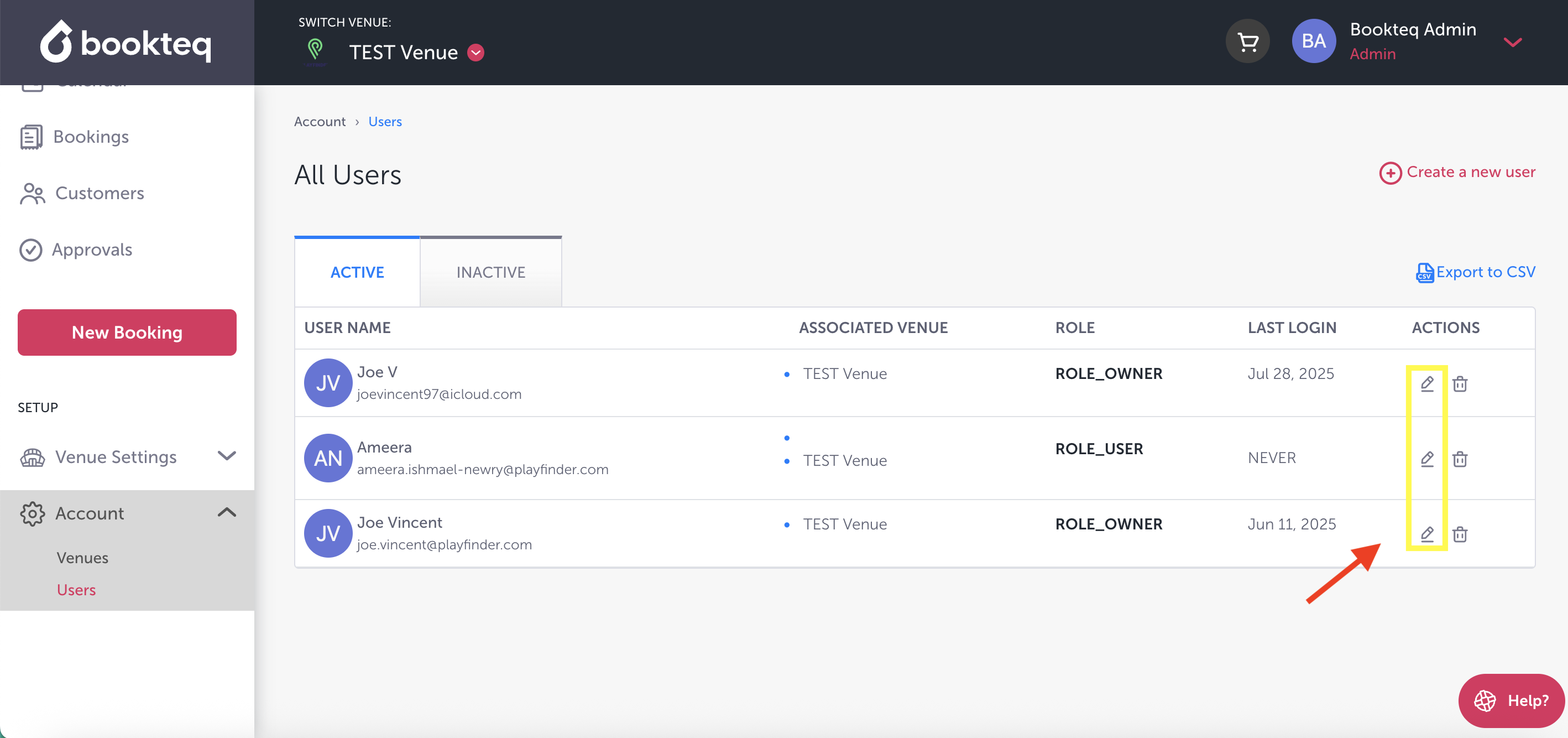
To edit the accessibility of the Administrators, click on the edit button under Actions on the right-hand side.
The administrator information will pop up, and at the bottom of the page is the Venue Access section. To restrict access, simply untick the box next to the venue name.
