
Where to find documents on a customer profile?
A guide on how to find the right document from a hirer.
Bookteq allows you to quickly view and manage documents that have been uploaded by a customer, all from within their customer profile.
Viewing customer documents
- Go to the Customers tab.
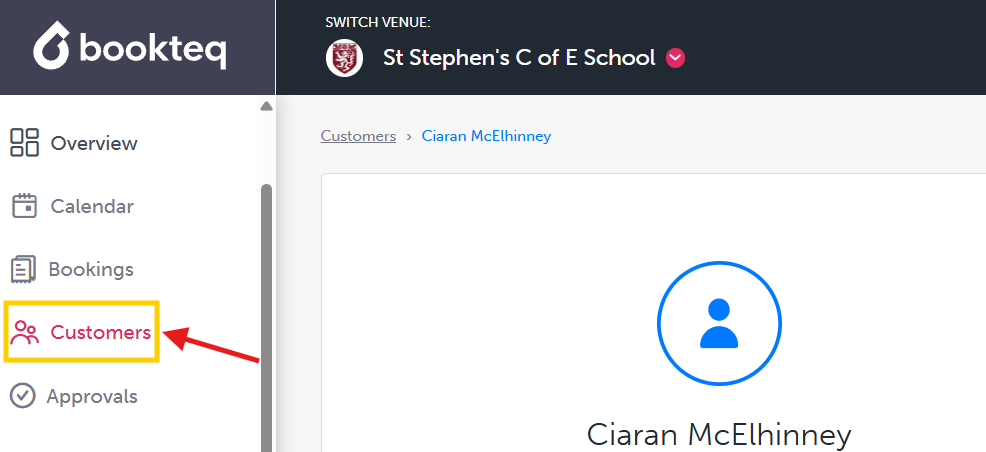
2. Open the relevant customer profile.
3. Select the Documents tab in the customer profile.

From here, you can:
- View a document by selecting the eye icon.
- Remove a document if it is no longer required.
Viewing document activity
Selecting a document will also show you its activity history. This allows you to see:
- When the document was uploaded
- Any updates made to the document
- Which user carried out an action
This provides a clear audit trail for document management and helps you keep track of customer compliance requirements.
Expiry notifications
Bookteq will automatically notify you when a customer’s document has expired. This helps ensure important documents stay up to date and reduces the risk of missing expired information.