Take a look at how your hirers view and manage their payment plans in the portal.
Before this article delves into the customer portal, please note that we have a range of articles to support your venue(s) and your hirers on payment plans. To learn all about how payment plans now work please visit our article entitled "Update to Payment Plans - FAQs 💰". To explore the visibility your venue has on hirer payment plans from within the Bookteq workspace please see our article entitled "How to view or cancel a hirer's payment plan".
💡If you'd like to share help articles and support for your hirers, please visit your hirer's knowledge base here and share the relevant links with them directly.
Now, let's get started on showing you the hirers' payment plan management.
1.) Our brand new dashboard 👩🏽💻:
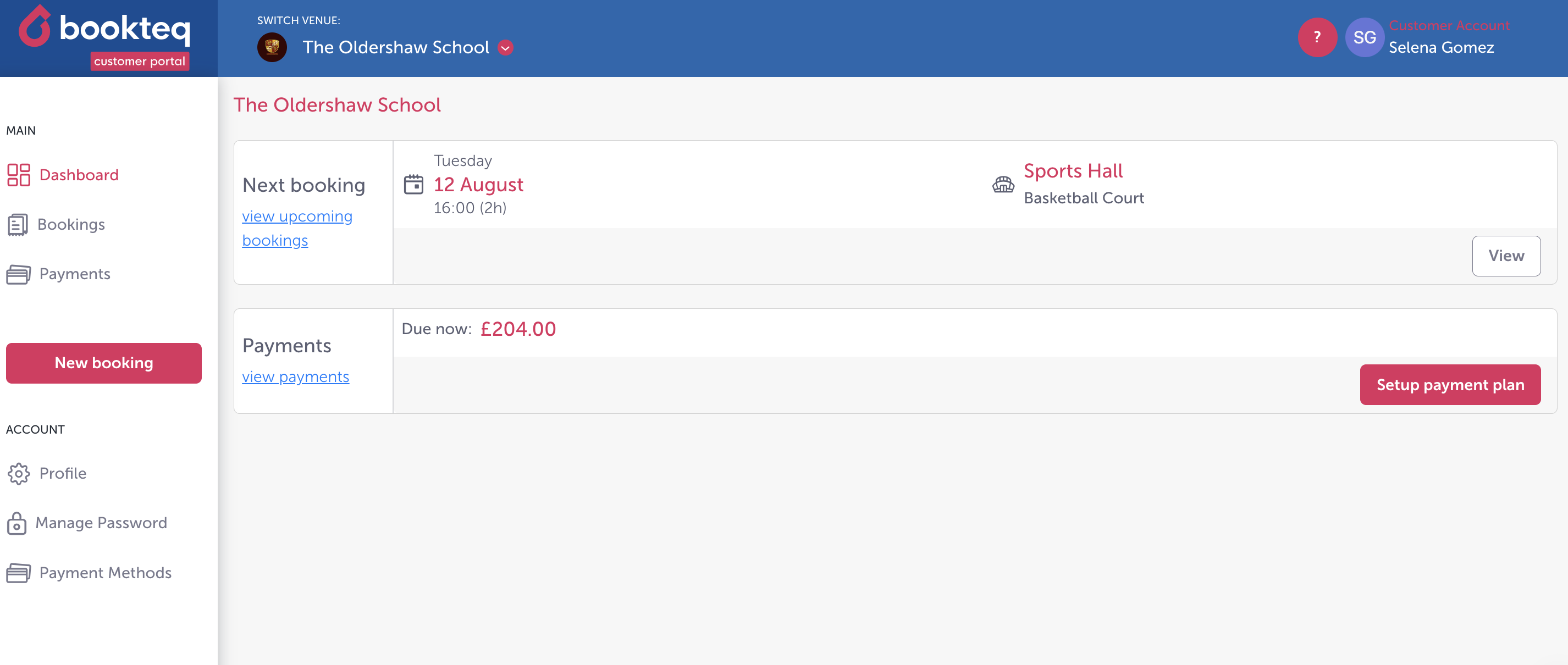
2.) A place for your hirers to view their upcoming bookings:
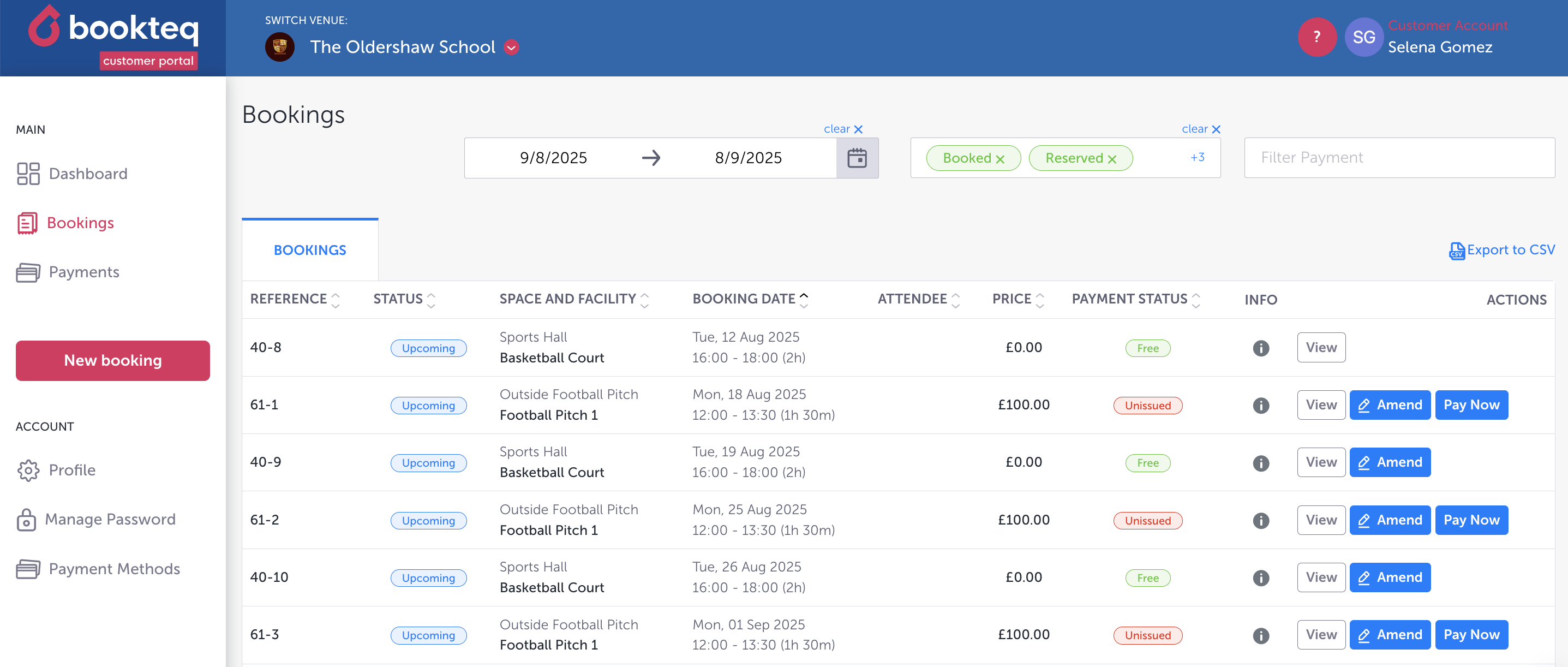
3.) Their main bookings view:
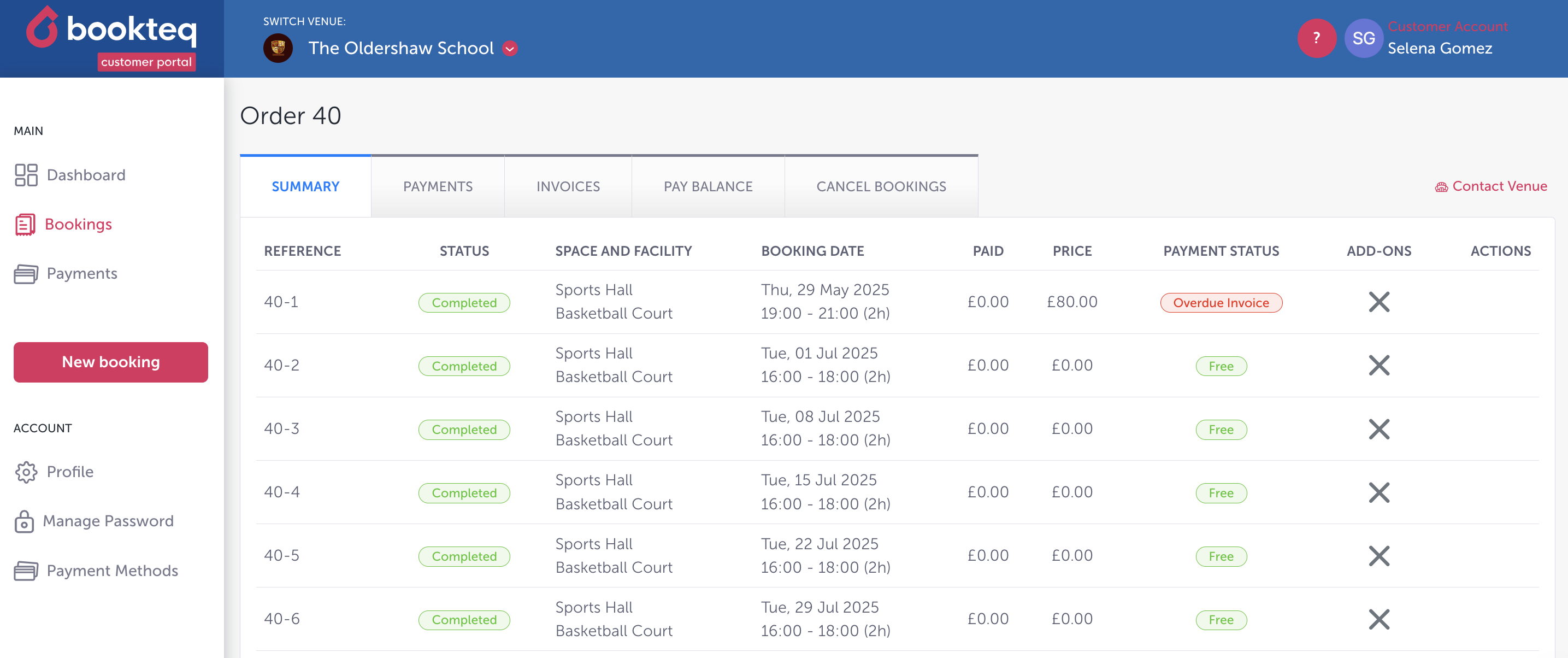
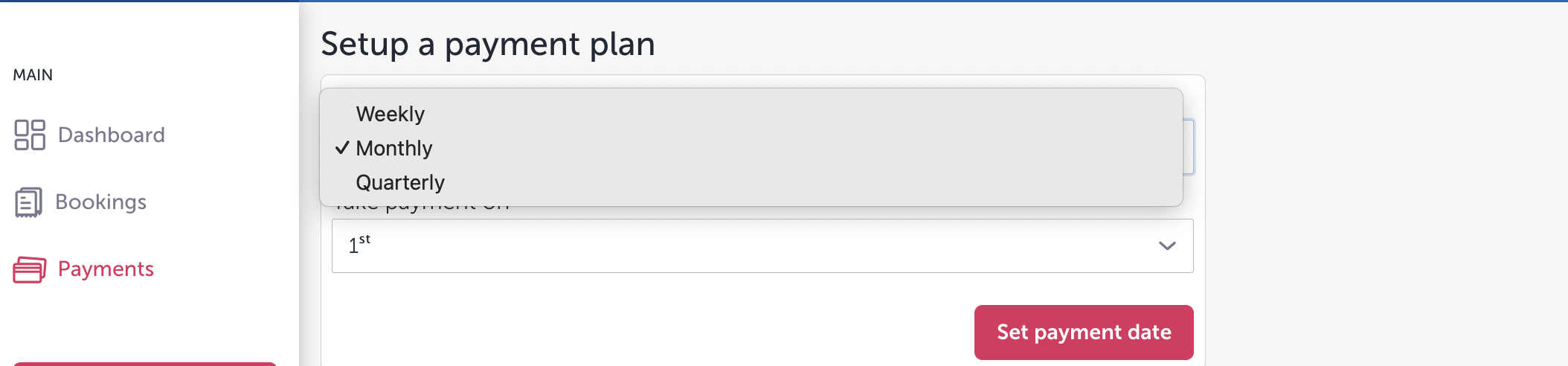
4.) Their payment plan frequency options:
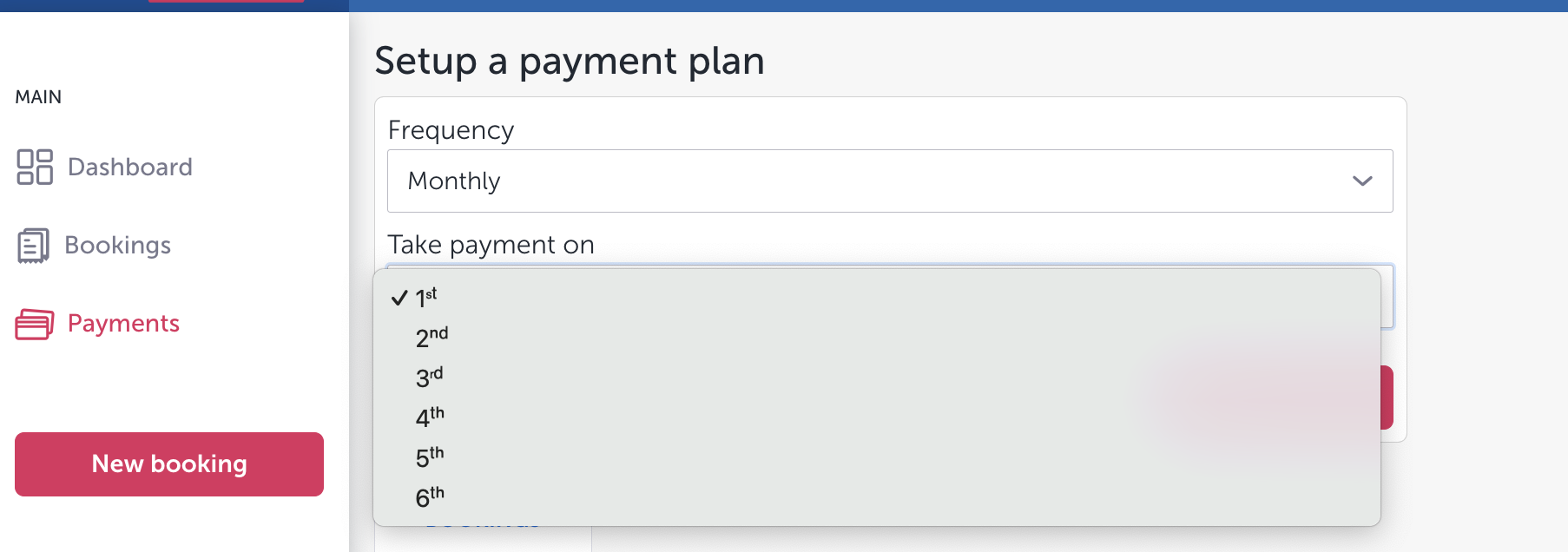
5.) Their payment plan date options:
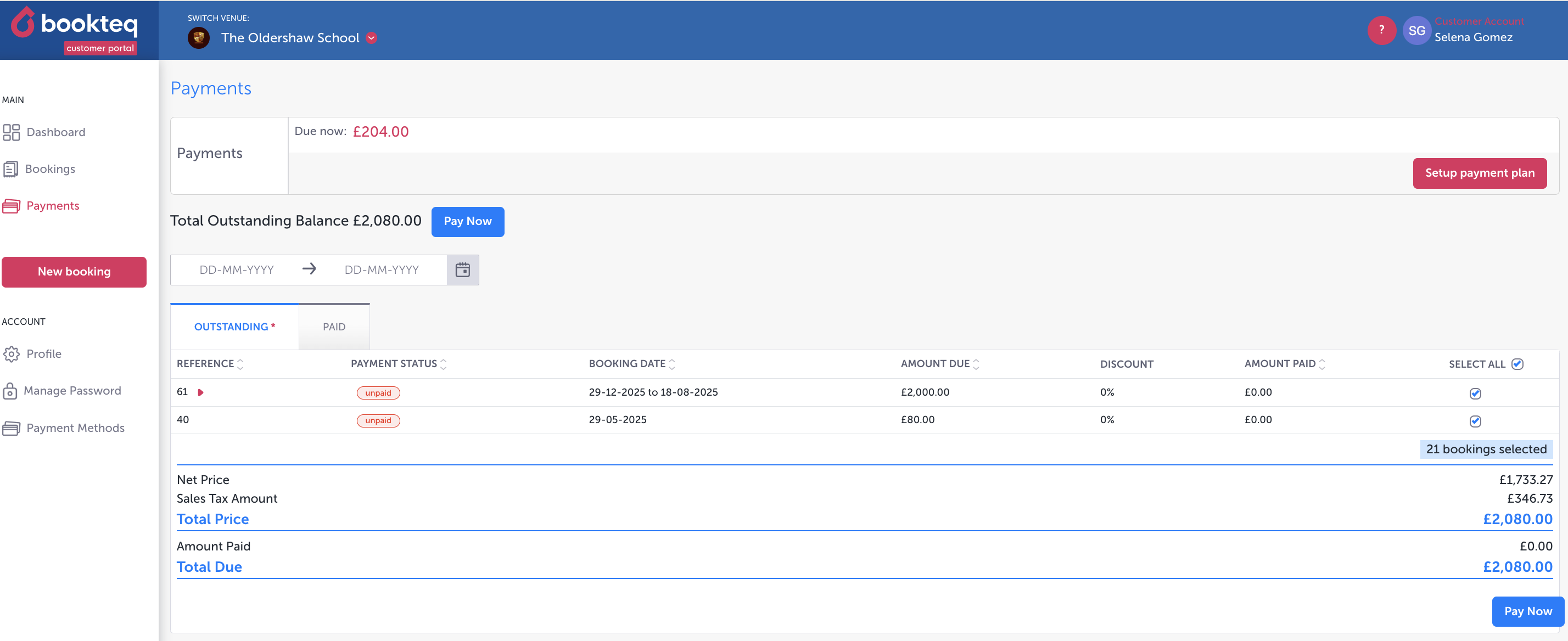
6.) Their "view payments" view:
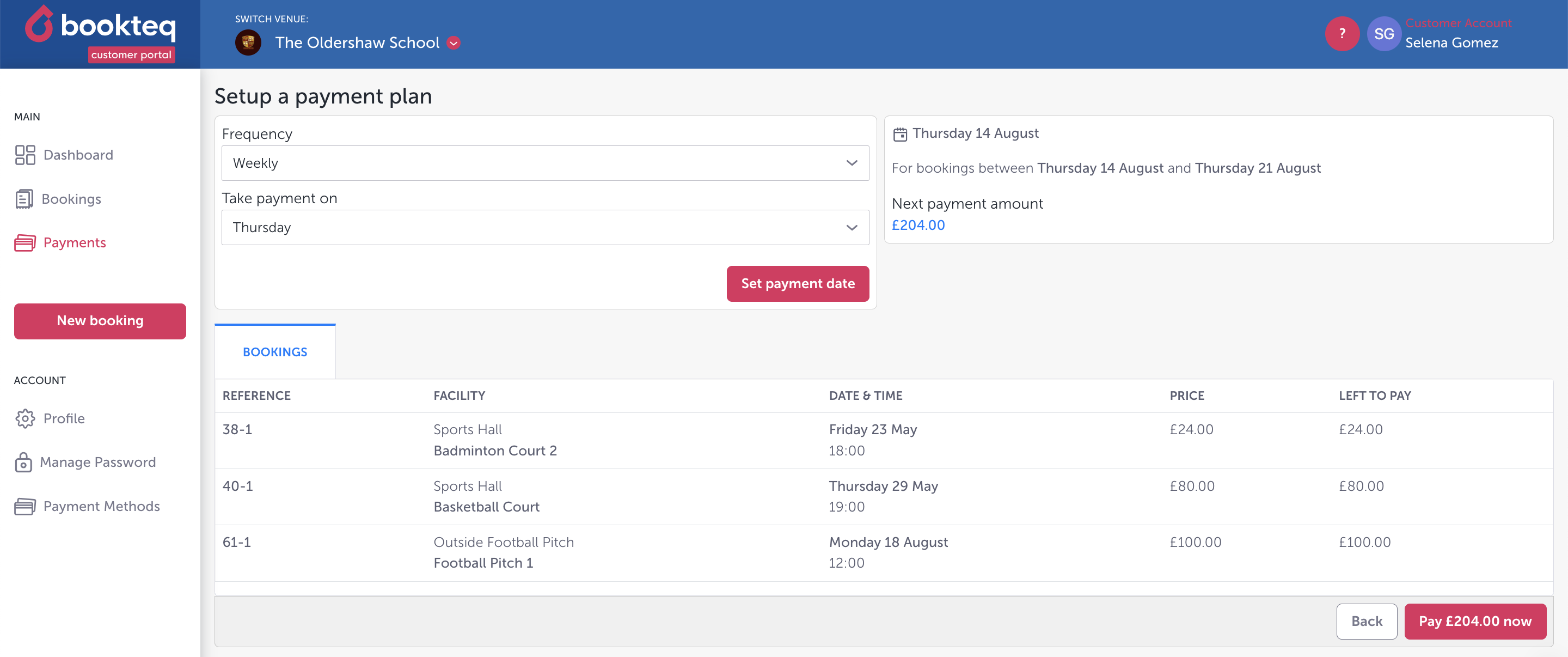
7.) Their "set up a payment plan" view:
Again, for more information please visit our other content on payment plans on the venue knowledge base and the hirer knowledge base 😊.