How to use document upload? 📄
Keeping customer records organised has just become much easier with our new Documents Upload feature.
You can now view and manage documents uploaded by your customers directly from their customer profile. Whether it's insurance certificates, safeguarding documents, qualifications, or any other required paperwork, everything is stored in one place for easy access.
Where to Find Documents on a Customer Profile
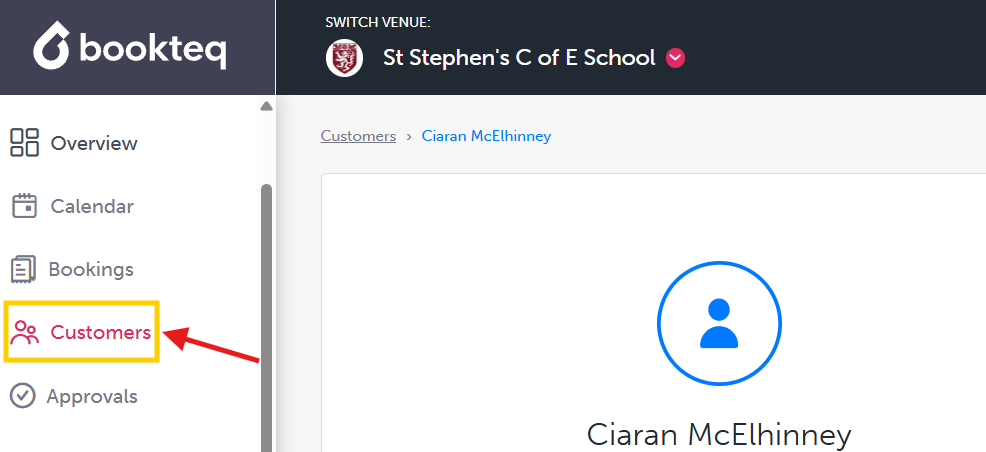
To view a customer's documents, simply navigate to their customer profile and scroll down to the Customer Documents section. Here you'll be able to see all uploaded documents, view individual files, remove documents that are no longer needed, and keep track of expiry dates.

Bookteq will also notify you when a document has expired, helping you stay on top of compliance requirements and maintain a clear audit trail.
Related Tips & Guides
While you're exploring the new feature, here are a couple of useful guides that can help you get even more from Bookteq:
Request documents as part of the booking process ✅
Need insurance certificates, safeguarding documents, risk assessments, or other important paperwork before a booking can proceed? Bookteq allows you to request documents directly from hirers as part of the booking process, helping you gather the information you need while keeping everything organised in one place. Read more here.
Request the information you need before a booking is approved ❓
Additional Questions allow you to collect important details from customers during the booking process. Whether you need safeguarding information, insurance details, participant numbers, or any other requirements, you can create custom questions and make sure you have everything you need before approving a booking. Read more here.
For full demo on Documents Upload, click here.